Companion tool for KiCad 10 · runs in your browser
Drop in a finished .kicad_pcb or a gerber set: inspect it in 3D, read the BOM, package a fab-ready release, and track every revision. No account, nothing to install to start — it runs in any browser, on any OS.
Free to start · no install · Linux, macOS, Windows, Chromebook — anything with a browser
$ curl --proto '=https' --tlsv1.2 -LsSf https://github.com/Atlantix-EDA/CopperForge/releases/latest/download/copperforge-installer.sh | sh Native app for Linux, macOS & Windows — prebuilt, no Rust toolchain. Open source on GitHub.
One click cuts a per-revision zip — gerbers, drill files, BOM, centroid, RELEASE_NOTES.md — straight from a finished .kicad_pcb. Tracked in an embedded redb store.
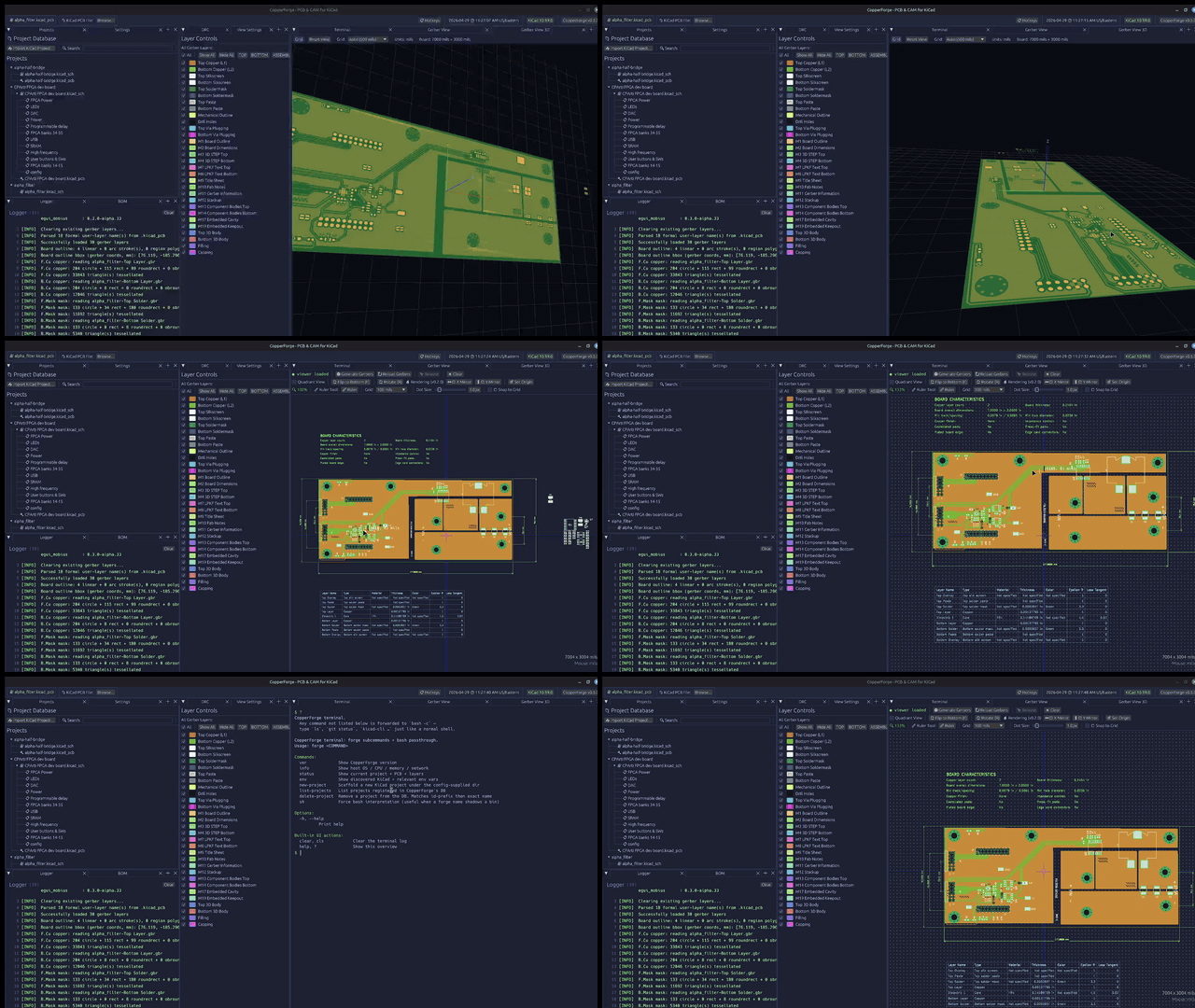
Embedded OpenGL view rendering the gerber-driven board outline, F.Cu / B.Cu copper, and a translucent F.Mask / B.Mask soldermask. 2- and 4+ layer stacks.
Parse .kicad_pcb directly via kiparse; export grouped BOM to CSV and XLSX — enriched with Manufacturer / MPN from your symbol libraries — plus a PCBWay / JLCPCB-style centroid file.
Plus a DRC panel, a persistent project & release store, and in-app shell, terminal, and logger panels — see the README for the full list.
Native desktop app on egui, built on the egui_mobius framework — the citizen pattern for panel lifecycle and reactive state. CopperForge serves as a real-world reference implementation.